Offline PDF utility for iPhone & iPad

Tinypdf

Compress, merge, split & more — all on-device.

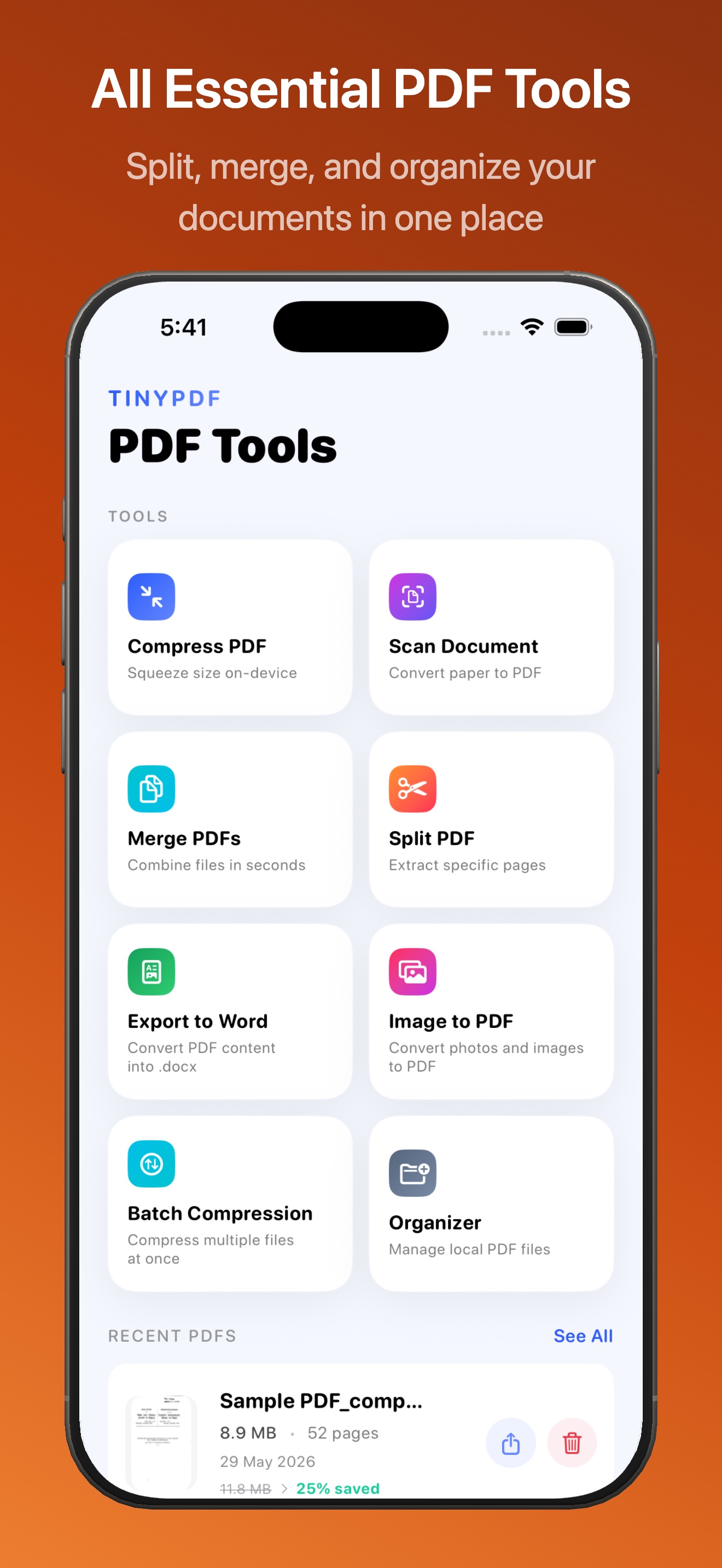
Tinypdf gives you a complete set of PDF tools right on your iPhone and iPad. Shrink oversized PDFs, merge multiple documents, split large files, reorganize pages, and convert images to PDF — all processed entirely offline.

No subscriptions, no data uploads, no account required. Just fast, private PDF tools that work wherever you are.

Everything you need to handle PDFs

Tinypdf brings essential PDF tools together in a clean, native iOS app. No complicated menus, no sign-up forms, and none of your files ever leave your device.

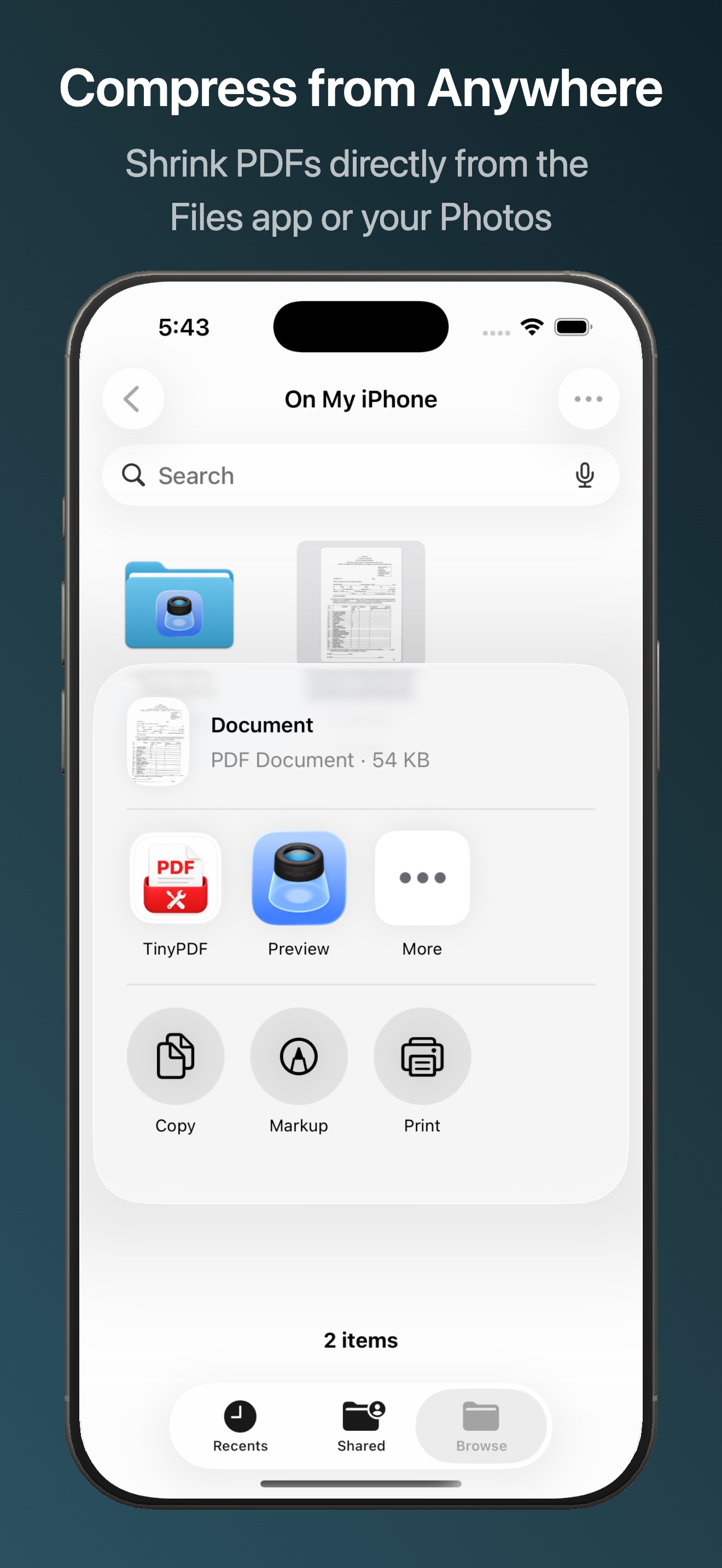
Compress PDF

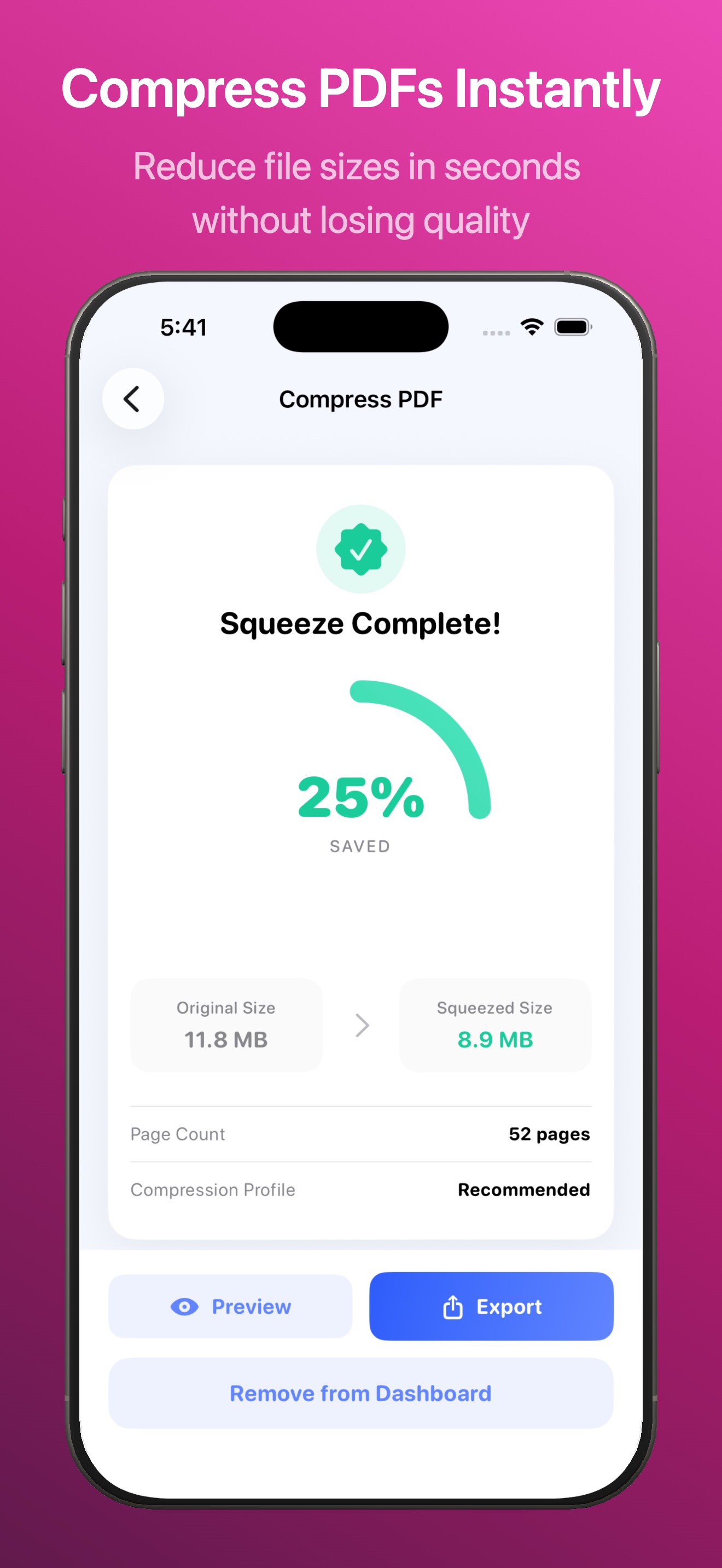
Reduce file size dramatically with adjustable quality presets — Super Squeeze, Balanced, or High Fidelity. Perfect for emailing or sharing large documents.

Merge PDFs

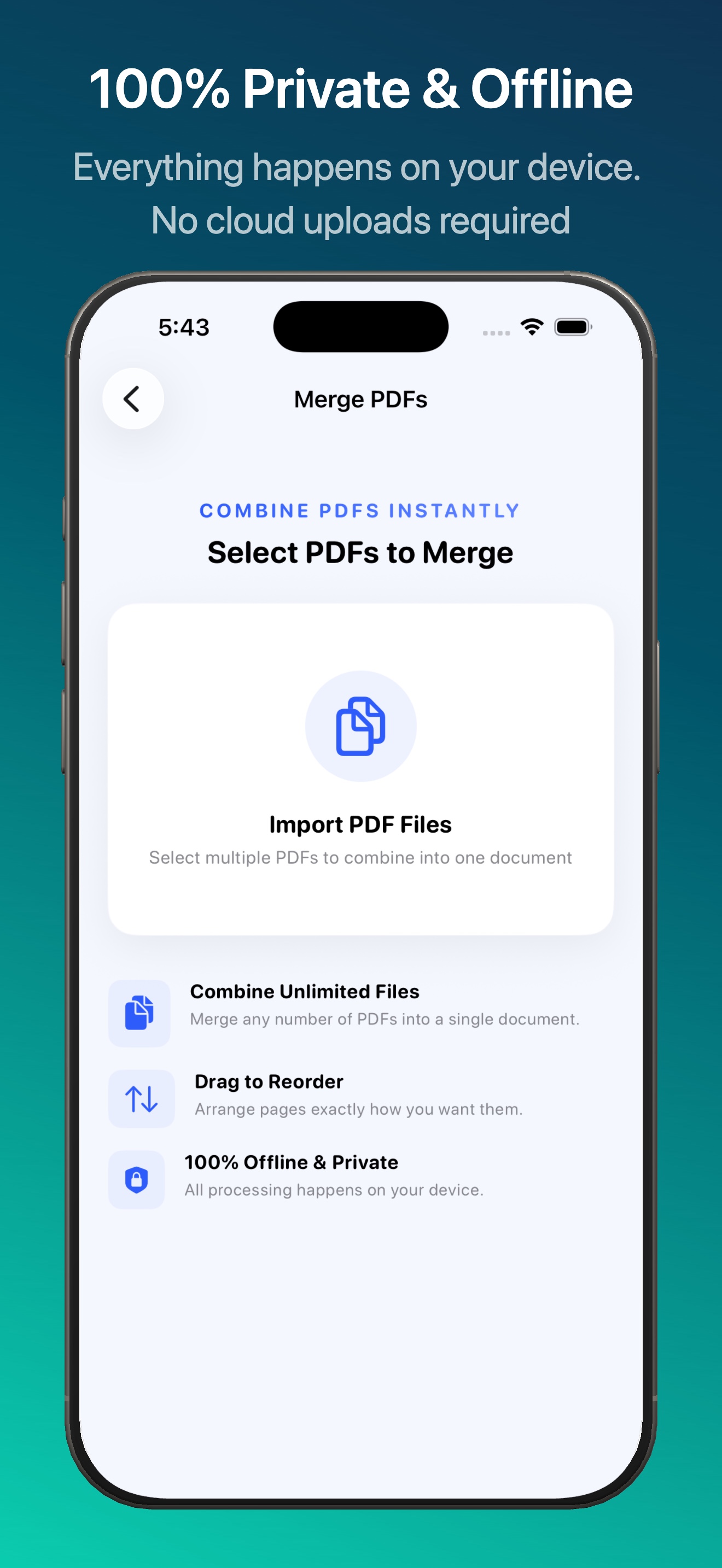
Combine multiple PDFs into a single document in the order you choose. Drag to reorder pages before merging.

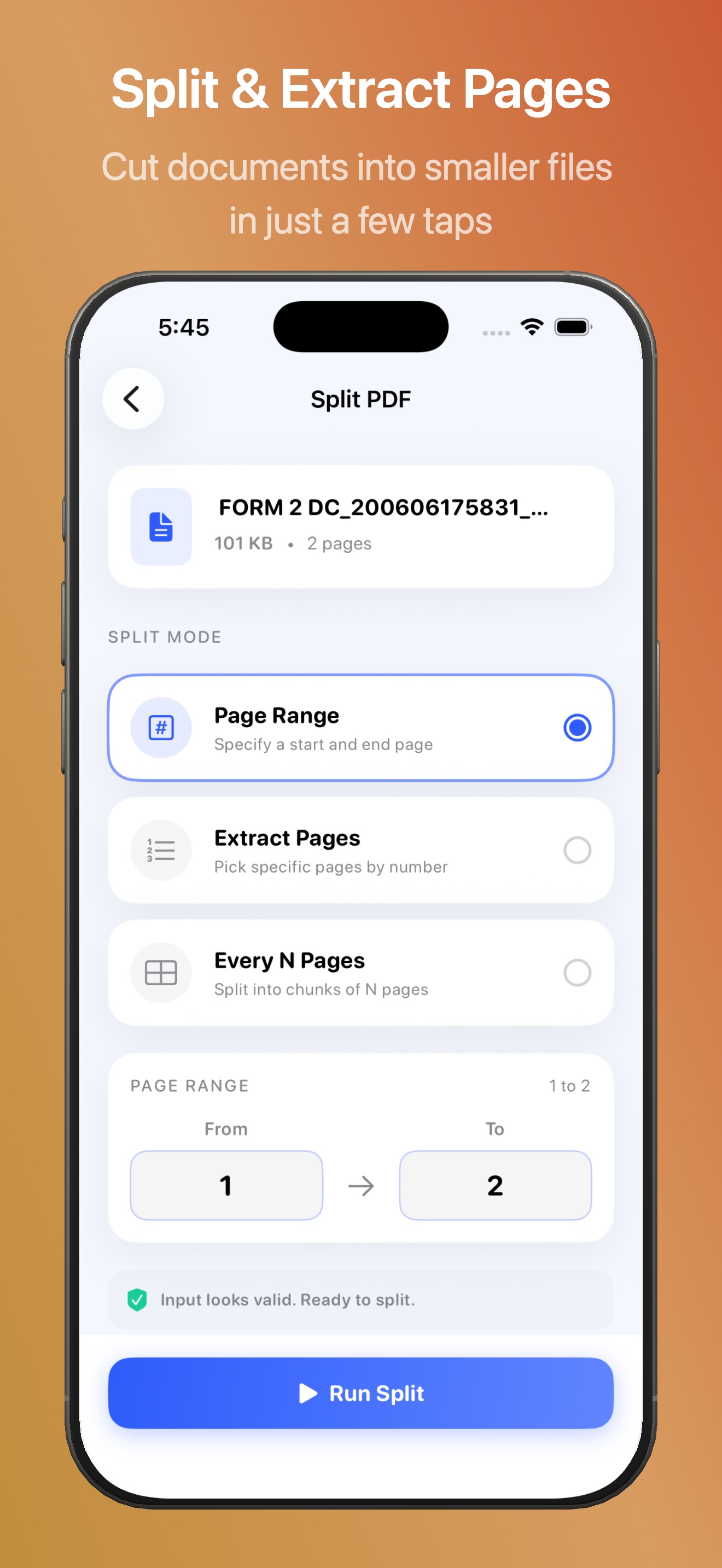
Split PDF

Extract specific pages or split a large PDF into smaller documents by page range. Great for separating chapters or sections.

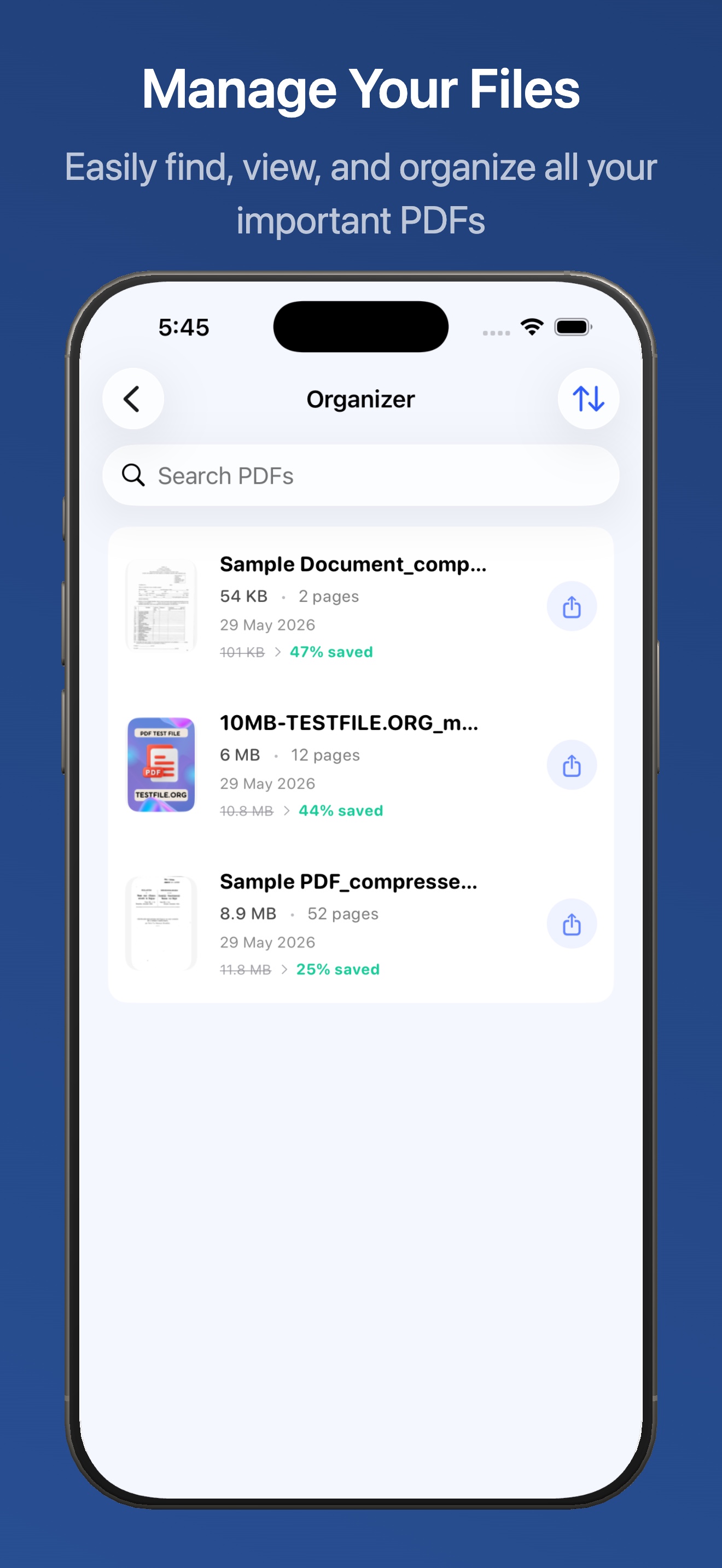
Organize Pages

Reorder, rotate, duplicate, or delete pages within any PDF. Preview each page as you make changes.

Scan to PDF

Use your iPhone camera to scan documents and save them as high-quality PDFs with automatic edge detection and perspective correction.

Convert to PDF

Convert images to PDF, or extract images from existing PDFs. All conversion happens offline with no quality loss.

Built for real document workflows

Common use cases

  • Shrink scanned contracts before emailing
  • Merge multiple receipts into one expense report
  • Split a large manual into individual chapters
  • Rearrange pages in a presentation or proposal
  • Digitize paper documents with the built-in scanner
  • Save web receipts and statements as compact PDFs

Why Tinypdf stands out

  • 100% offline — no files uploaded to any server
  • No account or registration required
  • Adjustable compression presets for size vs. quality
  • Native SwiftUI design — fast, fluid, and private
  • Works with iCloud Drive and the Files app
  • Regular updates with new features

Privacy-first by design

What Tinypdf does not do

  • No ads
  • No third-party analytics
  • No user account required
  • No file uploads to external servers
  • No selling or sharing of your data

What Tinypdf does do

  • Processes all PDFs entirely on your device
  • Stores processed files in your local sandbox or chosen export location
  • Lets you share results through the iOS share sheet
  • Supports local backup and restore through export/import tools